
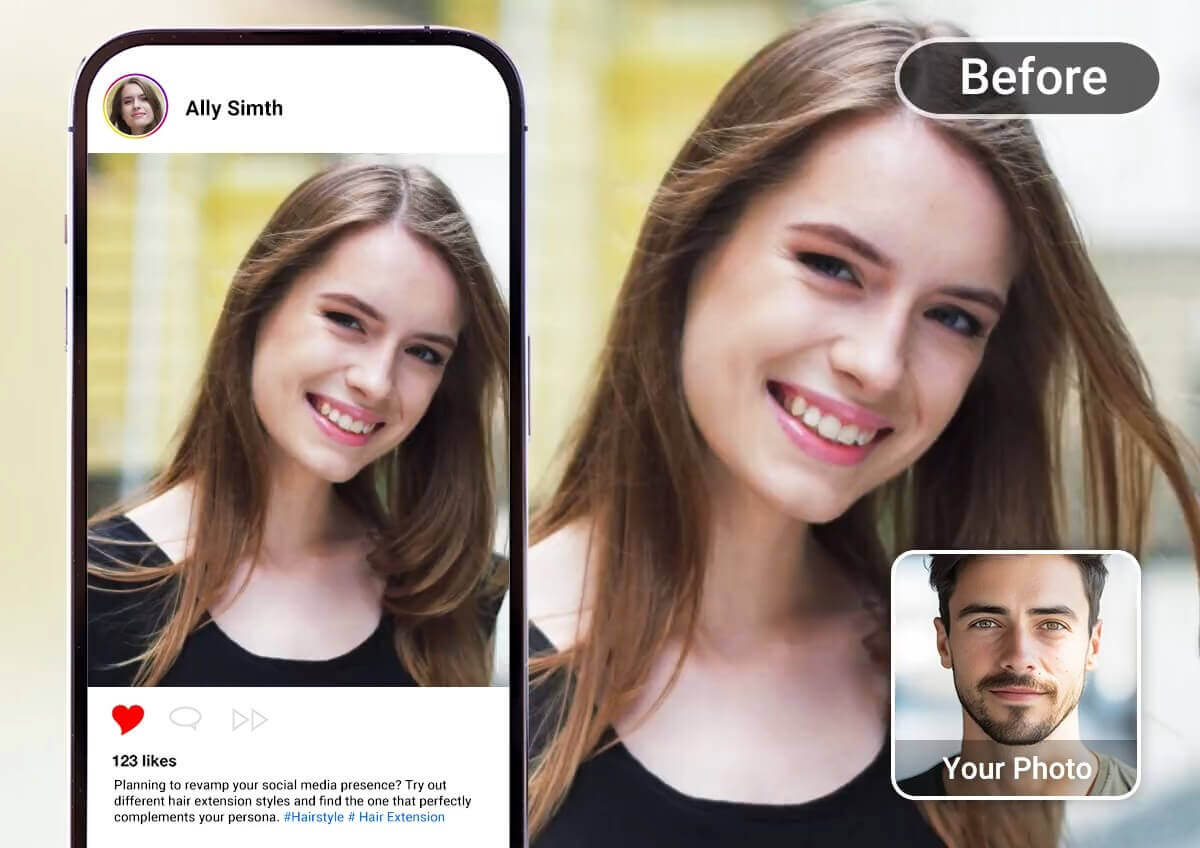
As we move into 2026, AI-powered video creation has crossed an important threshold. These tools are no longer novelties used for experiments or internal demos. They’re now production systems that power social campaigns, product marketing, creator brands, and startup storytelling at scale.
In this guide, I’ve ranked the best face swap tool and image-to-video tools of 2026, based on practical testing rather than hype. I focused on repeatability, speed, pricing transparency, and how well each tool fits into real publishing workflows. If you’re a creator, marketer, or startup builder who needs reliable results week after week, this breakdown is designed for you.
Best options at a glance
| Rank | Platform | Best for | Core capabilities | Platform | Free plan |
|---|---|---|---|---|---|
| 1 | Magic Hour | End-to-end creator workflows | Image-to-video, face swap, editing tools | Web | Yes |
| 2 | Runway | Cinematic creative control | Generative video + editing | Web | Limited |
| 3 | Pika | Stylized motion and experiments | Image animation | Web | Limited |
| 4 | HeyGen | Marketing and explainers | Avatar and talking video | Web | Limited |
| 5 | CapCut | Social media polish | Editing and effects | Mobile / Desktop | Yes |
| 6 | Adobe ecosystem | Brand-safe production | Pro video and AI tools | Desktop / Web | Limited |
| 7 | D-ID-style tools | Talking photo video | Photo animation | Web | Limited |
| 8 | Lightweight swap tools | Quick experiments | Face replacement | Web | Sometimes |
Why face swap and image-to-video matter in 2026
Video remains the most effective content format across nearly every channel, but expectations have changed. Audiences scroll faster, algorithms reward consistency, and teams are expected to produce more with fewer resources.
Face swapping and image-to-video tools solve two very real problems:
- Speed: Turning static assets into motion without a full production shoot.
- Scalability: Creating multiple variations of a concept without re-recording or reshooting.
When used responsibly and creatively, these tools unlock workflows that simply weren’t possible a few years ago.
The 8 best face swap and image-to-video tools of 2026
1) Magic Hour — Best overall for creators who ship consistently
Magic Hour earns the top spot because it feels designed for people who actually publish on a schedule. Instead of optimizing for impressive demos, the platform prioritizes repeatable results and a clean workflow.
What stands out is how naturally different tools fit together. You’re not constantly exporting, re-importing, or fighting incompatible formats. That matters more than most people realize once deadlines enter the picture.
Pros
- Smooth workflow from asset input to publishable output
- Consistent results across multiple clips
- Balanced control without overwhelming settings
- Suitable for solo creators and small teams
Cons
- Ultra-fine cinematic tuning is stronger in heavier pro tools
- Some creators may still want a separate finishing editor
Evaluation
After testing Magic Hour across several short-form and marketing-style projects, I found it to be one of the easiest platforms to build a reliable production rhythm. This is where Magic Hour image-to-video fits best—turning still visuals into motion quickly without constant manual correction. It’s also strong when you need to iterate fast while keeping outputs usable.
Pricing (accurate for 2026):
- Free plan: Available
- Creator plan: $15/month (monthly) or $12/month (annual billing)
- Pro plan: $49/month
You can explore two of its core capabilities here:
- image to video ai
- face swap ai
2) Runway — Best for cinematic control and creative direction
Runway continues to lead when it comes to visual experimentation and creative depth. It’s ideal for teams producing hero assets or short films where style consistency and motion nuance matter.
Pros
- Strong creative controls
- Editor-like workflow
- Suitable for art-directed projects
Cons
- Slower iteration for high-volume publishing
- Steeper learning curve
Evaluation
If your output is one carefully crafted video rather than ten fast variations, Runway is a strong choice. It’s less about speed and more about creative authority.
3) Pika — Best for stylized motion and fast concepts
Pika shines when you want expressive motion quickly. It’s popular with creators who value personality and visual flair over strict realism.
Pros
- Fast concept generation
- Unique stylized outputs
- Fun experimentation
Cons
- Inconsistent results across batches
- Limited brand control
Evaluation
Great for testing ideas or creating standout visuals, but less ideal for production pipelines that require predictability.
4) HeyGen — Best for marketing and explainer videos
HeyGen focuses on communication rather than cinematic storytelling. It’s widely used for product demos, sales videos, and internal training.
Pros
- Strong avatar-based workflows
- Business-friendly templates
- Good multilingual support
Cons
- Less flexible for artistic visuals
- Can feel templated if not customized
Evaluation
This is a practical choice for teams that prioritize clarity and speed over creative exploration.
5) CapCut — Best finishing layer for social media
CapCut isn’t a primary generation tool, but it’s one of the best platforms for polishing content before publication.
Pros
- Excellent captions and transitions
- Optimized for short-form platforms
- Fast export workflows
Cons
- Requires another tool upstream for generation
Evaluation
Many teams generate elsewhere and finish in CapCut. It’s an efficient last step in a modern content stack.
6) Adobe ecosystem — Best for brand-safe production
Adobe tools remain the standard for professional video finishing and brand governance.
Pros
- Reliable, production-grade workflows
- Strong integration across tools
- Excellent for teams with brand guidelines
Cons
- Higher complexity
- Slower for quick social content
Evaluation
Best suited for organizations with established production pipelines rather than fast-moving creator teams.
7) Talking-photo platforms — Best for presenter-style video
These tools animate still photos into speaking videos, often used for explainers and training.
Pros
- Simple workflows
- Good for narration-based content
- Minimal setup
Cons
- Limited cinematic control
- Results can feel synthetic
Evaluation
Useful for communication tasks, less so for creative storytelling.
8) Lightweight swap tools — Best for quick experiments
These platforms focus on fast face replacement with minimal setup.
Pros
- Quick results
- Easy for beginners
Cons
- Limited realism and edge-case handling
- Less control over output quality
Evaluation
Fine for experiments, but not ideal for professional publishing.
How I chose and ranked these tools
My evaluation process mirrors real production needs rather than demo scenarios:
- Time to first usable result
- Consistency across multiple outputs
- Ease of iteration
- Export quality and flexibility
- Pricing clarity and value
Tools that required constant manual fixes or produced inconsistent batches ranked lower, regardless of how impressive individual outputs looked.
Market trends shaping 2026
Several shifts are defining this space:
- Workflow integration beats standalone features
- Consistency matters more than peak realism
- Short-form optimization is now essential
- Transparent pricing builds trust
The platforms winning in 2026 are the ones that help teams produce content reliably, not just creatively.
Final takeaway: choosing the right tool
- Choose Magic Hour if you need a dependable, creator-friendly platform that supports fast publishing cycles. This is also where Magic Hour face swap workflows feel the most practical for repeat use.
- Choose Runway for cinematic projects that justify extra setup time.
- Use Pika for visual experimentation.
- Add CapCut or Adobe tools for final polish when needed.
The “best” choice depends on how often you publish and how much control you need—but for most creators and startups in 2026, reliability and speed win.
FAQ
What should I prioritize when choosing a face swap tool?
Focus on consistency, export quality, and how well it handles varied lighting and angles. A reliable face swap tool should perform well across multiple clips, not just one.
Can image-to-video tools replace traditional video shoots?
They won’t replace every shoot, but they significantly reduce the need for reshoots and enable faster iteration.
How important is pricing transparency?
Very. Clear plans help teams scale without unexpected limits or costs.
Do these tools work for teams as well as solo creators?
Yes. Many platforms now support shared workflows and repeatable processes that benefit teams.
How do I build a sustainable content stack?
Most teams use two layers: a generation platform for speed and an editing platform for polish.